How to access cpanel from client area

How to Login into cPanel From the Client Area?

As a Freshspot Client, You can directly login into your cPanel account from Freshspot Client Area.

Here are the steps to login to Freshspot cPanel from the client area:

  • Login to the Client Area
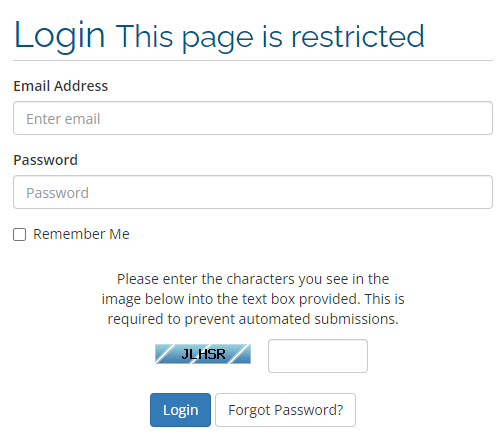
    Login to the Client Area
  • Once you Log in to your client area, You will see various options on the dashboard on the header Menu.


  • You have to click on Services>My Services.
    click on ServicesMy Services option
  • In that, You have to locate the hosting account service that comes along with the cPanel.
    account service that comes along with the cPanel
  • Click the “Active” button next to the account to view the details.
    Click the Active button
  • From the account details page, You have to click on the option “Login to cPanel” located on the left side of the page.
    Login to cPanel
  • This will redirect you to the cPanel login page in the new window & you will be directly logged into the cPanel.
  • 0 Users Found This Useful
Was this answer helpful?

Related Articles

Addon Domains

Overview The Addon Domain Maintenance menu allows you to add and remove addon domains to your...

Can Addon Domains have their own IP address?

Addon domains can not be assigned their own dedicated IP address. Dedicated IPs are assigned to...

How to Remove/Delete an Addon Domain

To remove an existing addon domain Click the Remove link corresponding to the addon domain you...

How to Increase memory size

To modify your PHP settings, please follow the guide below: 1. Log into the cPanel account you...